


1. Choose a Timeframe
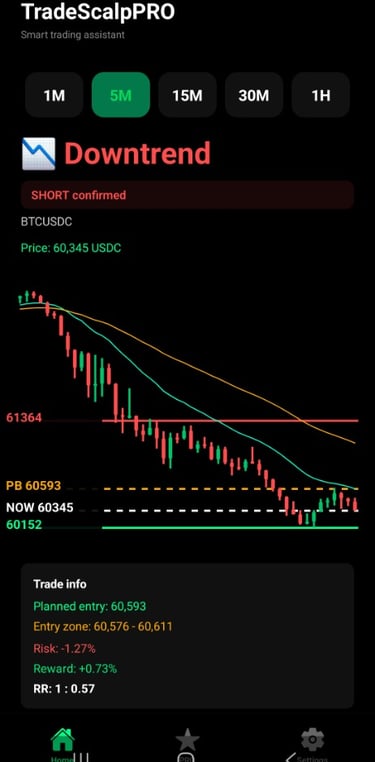
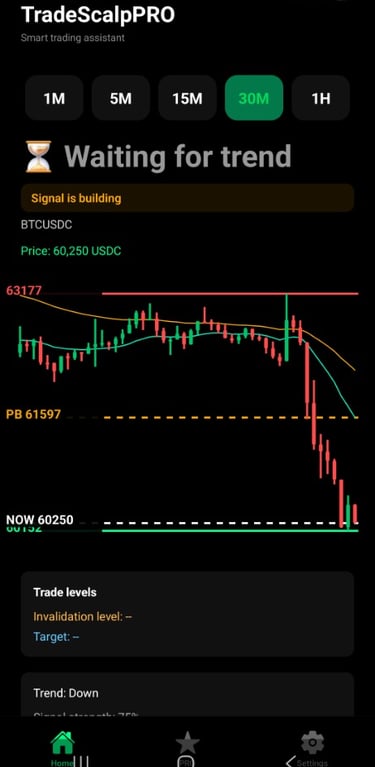
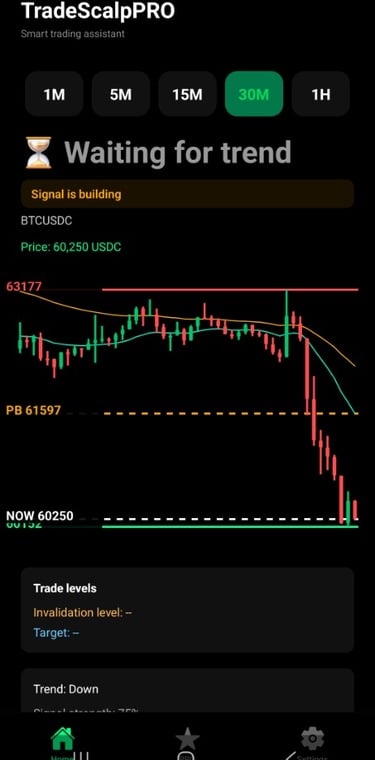
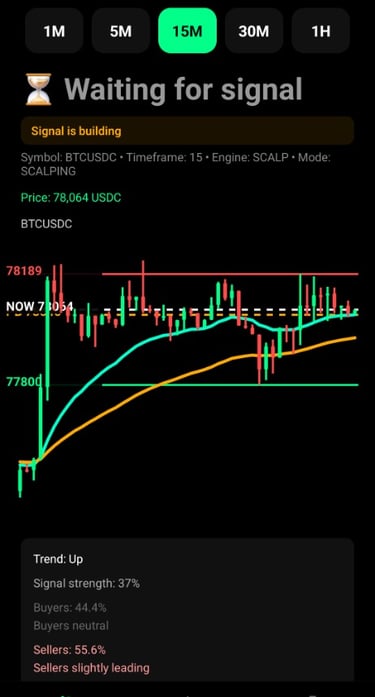
TradeScalpPRO analyzes the market across multiple timeframes:
1M – Aggressive scalping
5M – Fast intraday trading
15M – Balanced trading signals
30M – Higher-quality setups
1H – Strongest trend confirmation
2. Follow the Main Signal
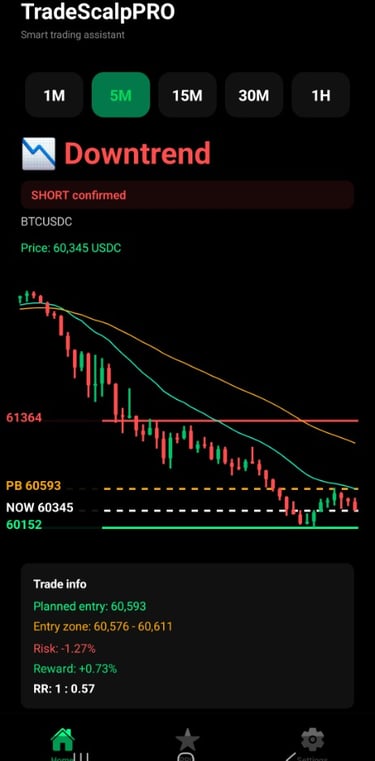
🔴 Downtrend (SHORT Confirmed)
The application has identified a potential selling opportunity.
🟢 Uptrend (LONG Confirmed)
The application expects the price to move higher.
⏳ Waiting for Direction
Market conditions are not yet suitable for a high-quality trade setup.
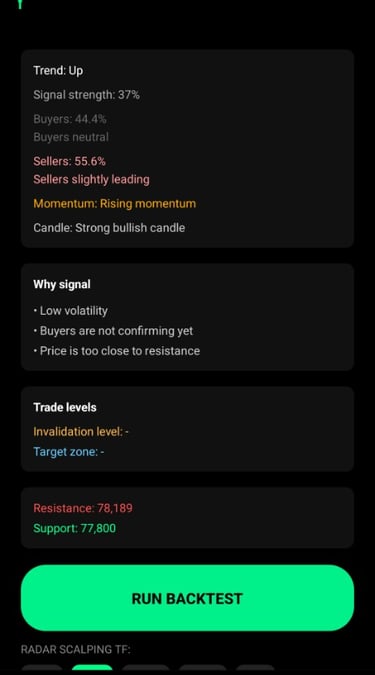
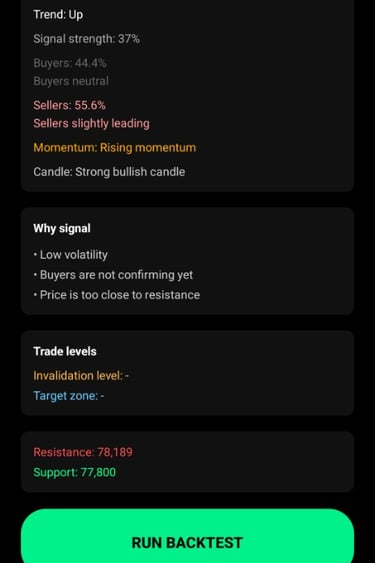
3. Monitor Market Strength
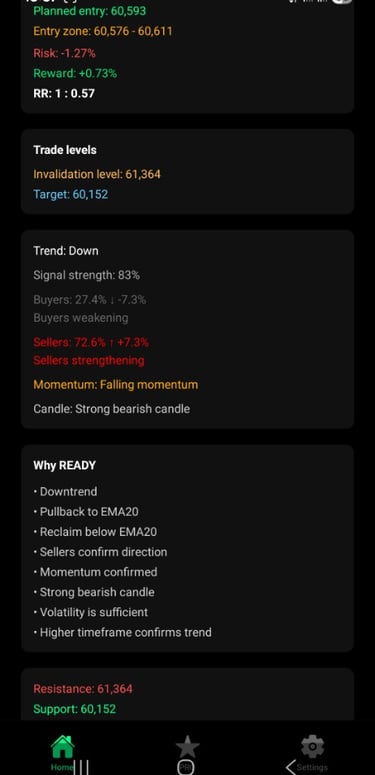
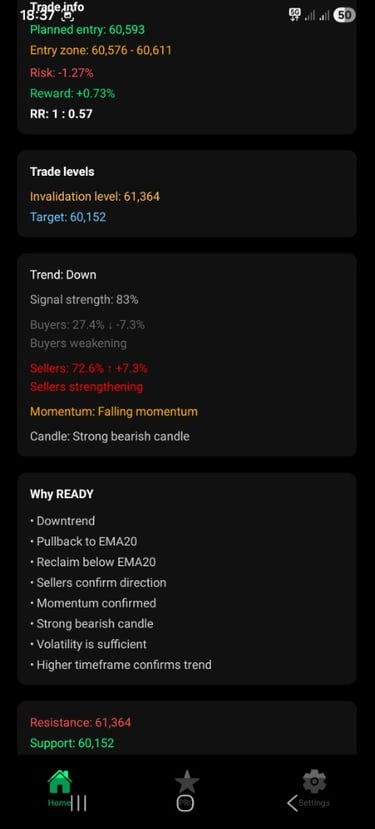
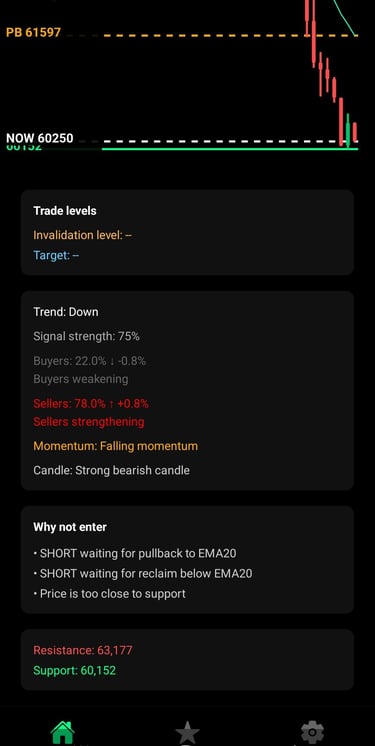
- TradeScalpPRO provides:
- Signal strength
- Buyer vs. seller activity
- Market momentum
- Candlestick strength
- Overall trend direction
The more factors confirming the same direction, the stronger the trading setup.
4. Trade Only Confirmed Signals
When a signal is confirmed, the app displays:
✅ Planned entry price
✅ Entry zone
✅ Profit target (Take Profit)
✅ Invalidation level (Stop Loss)
✅ Risk-to-Reward ratio
5. Respect Trade Warnings
If the app displays:
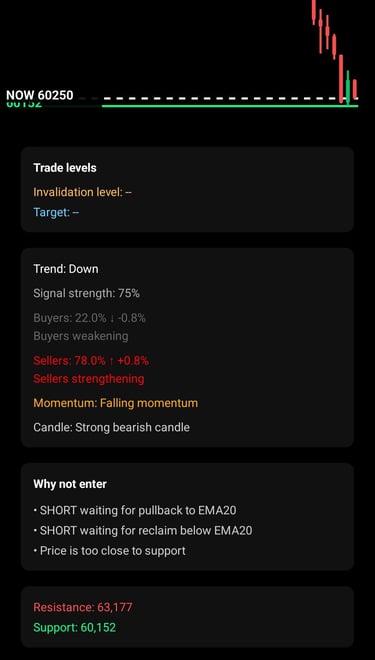
"Why Not Enter"
For example:
• Price is too close to support
• Waiting for a pullback to EMA20
• Waiting for trend confirmation
it is usually better to wait for a higher-probability setup.
6. Use Proper Risk Management
Recommendations:
- Risk no more than 1–2% of your account per trade
- Always use a Stop Loss
- Avoid emotional trading
- Follow your trading plan consistently
Important Disclaimer
TradeScalpPRO is an analytical trading tool that provides market insights and statistical evaluations. It does not provide financial advice and does not guarantee profits. All trading decisions and risk management remain the sole responsibility of the user.